Project Overview
TodoList is a lightweight mobile task management application designed to help users organize their daily plans, reminders and personal activities from one simple screen.
The application allows users to create tasks, update previously added items and remove tasks that are no longer required. Its minimal interface makes the app easy to understand and suitable for quick everyday use.
Project Objective
The main objective of this project was to create a small and practical task management application while implementing the essential CRUD operations:
- Create: Add a new task or plan.
- Read: Display all saved tasks in a scrollable list.
- Update: Edit the text of an existing task.
- Delete: Remove an unwanted or completed task.
Application Flow
Splash Screen
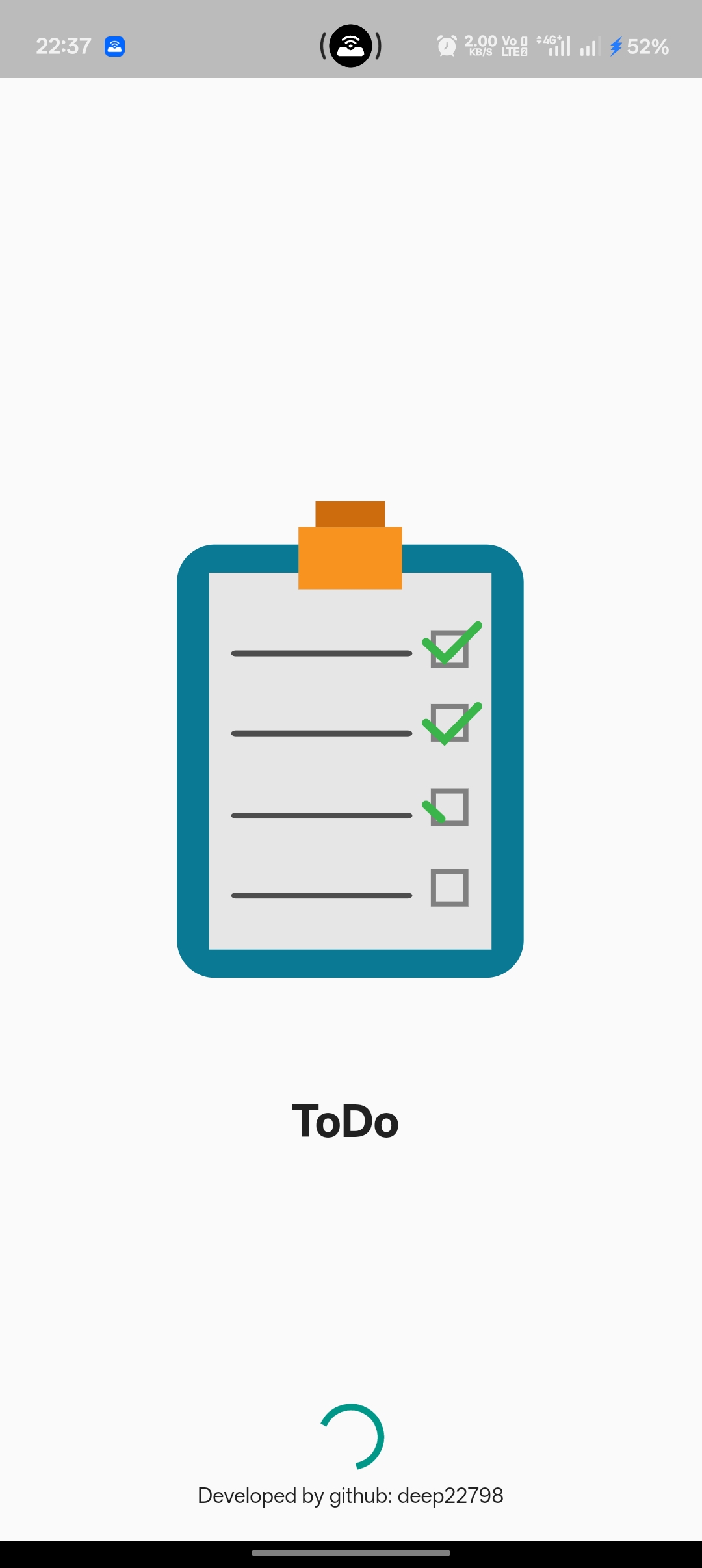
When the application starts, a clean splash screen is displayed with the Todo application illustration, project name and loading indicator. After initialization, the user is redirected to the main Todo List screen.
Add New Tasks
The main screen contains a task input field where users can type a new task, shopping item, reminder or personal plan. By pressing the Add button, the new item is added to the task list.
View Task List
All added tasks are shown in a vertically scrollable list. Each task is displayed inside a clearly separated card, allowing users to easily read and manage multiple items.
Edit Existing Tasks
Each task contains an edit icon. When the edit option is selected, an update dialog appears with the existing task text already filled in.
The user can modify the task and press the Update button to save the latest changes. The dialog also provides a cancel option so the user can close it without making changes.
Delete Tasks
A delete icon is available beside every task. It allows users to quickly remove completed, incorrect or unnecessary items from the list.
Total Task Counter
The application displays the total number of tasks currently available in the list. The counter automatically reflects the number of items being managed by the user.
User Interface
The application follows a minimal Material Design-based layout with a teal colour theme. Important actions such as adding, editing and deleting tasks are represented using familiar buttons and icons.
The interface contains:
- Application title and Todo illustration
- Task input field
- Add task button
- Total task counter
- Scrollable task list
- Edit action for every task
- Delete action for every task
- Task update dialog
Responsive Mobile Experience
The screen layout is designed for mobile devices and adjusts according to the available screen size. The scrollable task section ensures that users can manage a large number of tasks without affecting the rest of the interface.
Technical Implementation
The application was developed using Flutter and Dart. Flutter widgets were used to create the splash screen, text input, buttons, task cards, dialogs, counters and scrollable task list.
The project demonstrates mobile UI development, application state management, user input handling and basic CRUD functionality.
Key Features
- Add unlimited daily tasks and plans
- View all tasks from one screen
- Edit previously added tasks
- Delete unwanted tasks
- Display total task count
- Simple splash screen
- Scrollable task list
- Clean Material Design interface
- Fast and easy task management
- Mobile-friendly layout
Project Result
The final application provides a straightforward solution for users who need a basic tool to record and manage their daily activities. The project successfully demonstrates the complete task management flow without making the interface complicated.
A simple task manager that helps users organize their plans, update their priorities and remove completed tasks from one clean mobile interface.
Conversation
No approved comments yet. Start the conversation.